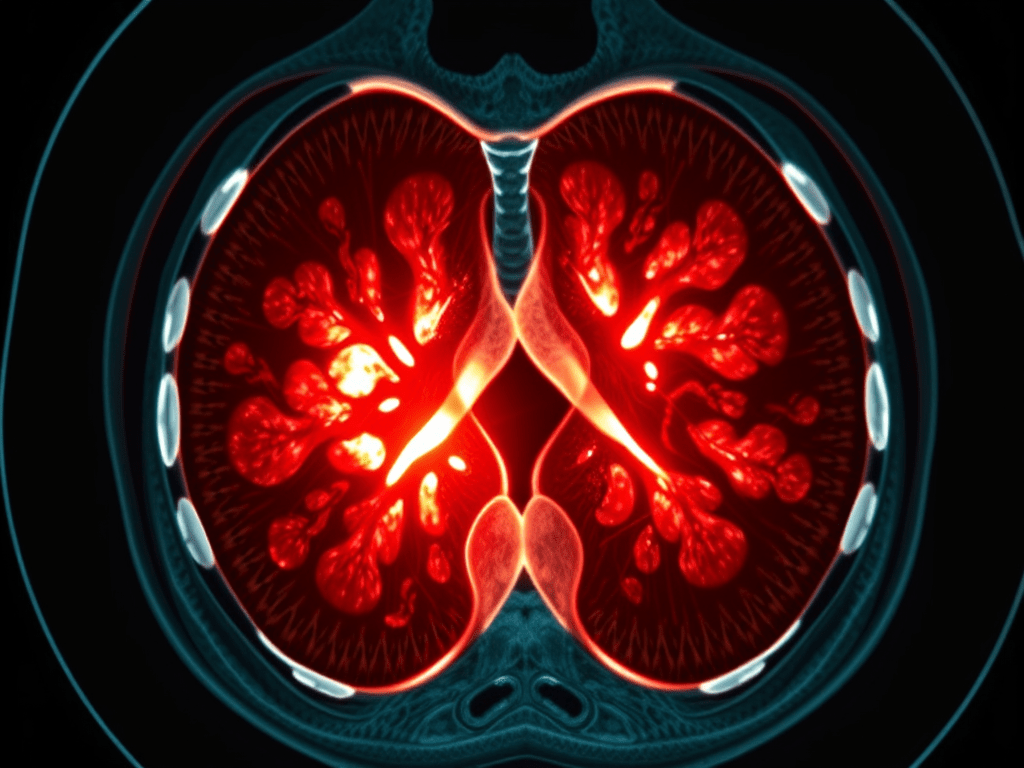
Source: Mirsky, Y., Mahler, T., Shelef, I., & Elovici, Y. (2019). CT-GAN: Malicious Tampering of 3D Medical Imagery using Deep Learning. In 28th USENIX Security Symposium (USENIX Security 2019).
Main Themes:
- Vulnerability of Medical Imaging Systems: The research highlights the concerning vulnerability of Picture Archiving and Communication Systems (PACS) and medical imaging devices to cyber attacks. These vulnerabilities, coupled with the reliance on 3D medical scans for diagnosis and treatment, create a serious threat to patient safety and healthcare integrity.
- Deep Learning Enabled Attack: The authors present CT-GAN, a framework utilizing Conditional Generative Adversarial Networks (cGANs) to manipulate 3D medical imagery, specifically by adding or removing evidence of medical conditions like lung cancer in CT scans. This represents a novel and potent attack vector exploiting the advancements in deep learning.
- Effectiveness and Implications: CT-GAN demonstrates remarkable effectiveness in deceiving expert radiologists and state-of-the-art AI cancer screening tools, highlighting the significant potential for misdiagnosis and manipulation. This raises profound ethical and security concerns within the healthcare domain.
Most Important Ideas/Facts:
- PACS Security Gaps:
- Healthcare systems lag behind in security standards, focusing primarily on data privacy over data integrity and availability.
- Exposed PACS: “A quick search on Shodan.io reveals 1,849 medical image (DICOM) servers and 842 PACS servers exposed to the Internet.”
- Vulnerable to various attacks: Social engineering, physical access, insider threats, and exploitation of software vulnerabilities.
- CT-GAN Attack Framework:
- Leverages two cGANs: One for injecting and one for removing medical conditions (e.g., lung cancer) from 3D CT scans.
- Employs in-painting techniques for realistic modification: “To make the process efficient and the output anatomically realistic, we perform the following steps: (1) locate where the evidence should be inject/removed, (2) cut out a rectangular cuboid from the location, (3) interpolate (scale) the cuboid, (4) modify the cuboid with the cGAN, (5) rescale, and (6) paste it back into the original scan.”
- Automated process: Facilitates deployment within air-gapped systems and real-time manipulation via infected DICOM viewers.
- Attack Effectiveness:
- Deceives radiologists: “The radiologists diagnosed 99% of the injected patients with malign cancer, and 94% of cancer removed patients as being healthy.” Even with awareness of the attack, misdiagnosis rates remained high.
- Fools AI: State-of-the-art lung cancer screening model misdiagnosed 100% of tampered scans.
- Implications beyond immediate treatment: Psychological impact on patients, disruption of research, insurance fraud, and potential for political manipulation.
- Attack Vectors:
- Remote Infiltration: Exploiting vulnerabilities in internet-facing elements, social engineering attacks (phishing, spear phishing).
- Local Infiltration: Physical access with false pretexts, insider threats, hacking Wi-Fi access points.
- Pen-test demonstration: Successful man-in-the-middle attack on a hospital’s CT scanner highlights real-world feasibility.
- Countermeasures:
- Data Security: Enabling encryption for data-in-motion, robust access control, and up-to-date security measures for PACS and connected devices.
- Digital Signatures: Utilizing DICOM’s digital signature feature for verifying scan integrity.
- Digital Watermarking: Embedding hidden signals to detect tampering.
- Machine Learning Detection: Employing supervised and unsupervised methods to identify anomalies or inconsistencies within scans.
Key Takeaways:
- The research exposes a critical cybersecurity threat within the healthcare domain, demonstrating the potential for deep learning to be weaponized against medical imaging systems.
- CT-GAN highlights the need for enhanced security measures and awareness within healthcare organizations to protect the integrity of medical diagnoses and patient safety.
- Further research is required to develop robust countermeasures against AI-powered attacks targeting medical imagery.
Quotes:
- On PACS vulnerability: “The security of health-care systems has been lagging behind modern standards… This is partially because health-care security policies mostly address data privacy (access-control) but not data security (availability/integrity).”
- On CT-GAN capabilities: “By dealing with a small portion of the scan, the problem complexity is reduced by focusing the GAN on the relevant area of the body… This results in fast execution and high anatomical realism.”
- On attack effectiveness: “This attack is a concern because infiltration of healthcare networks has become common, and internal network security is often poor. Moreover, for injection, the attacker is still likely to succeed even if medical treatment is not performed.”



 ID 10 T